
Ticket Topics
Manage topics for your chatroomTicket Topics are the categories your team uses to describe what a ticket is about.
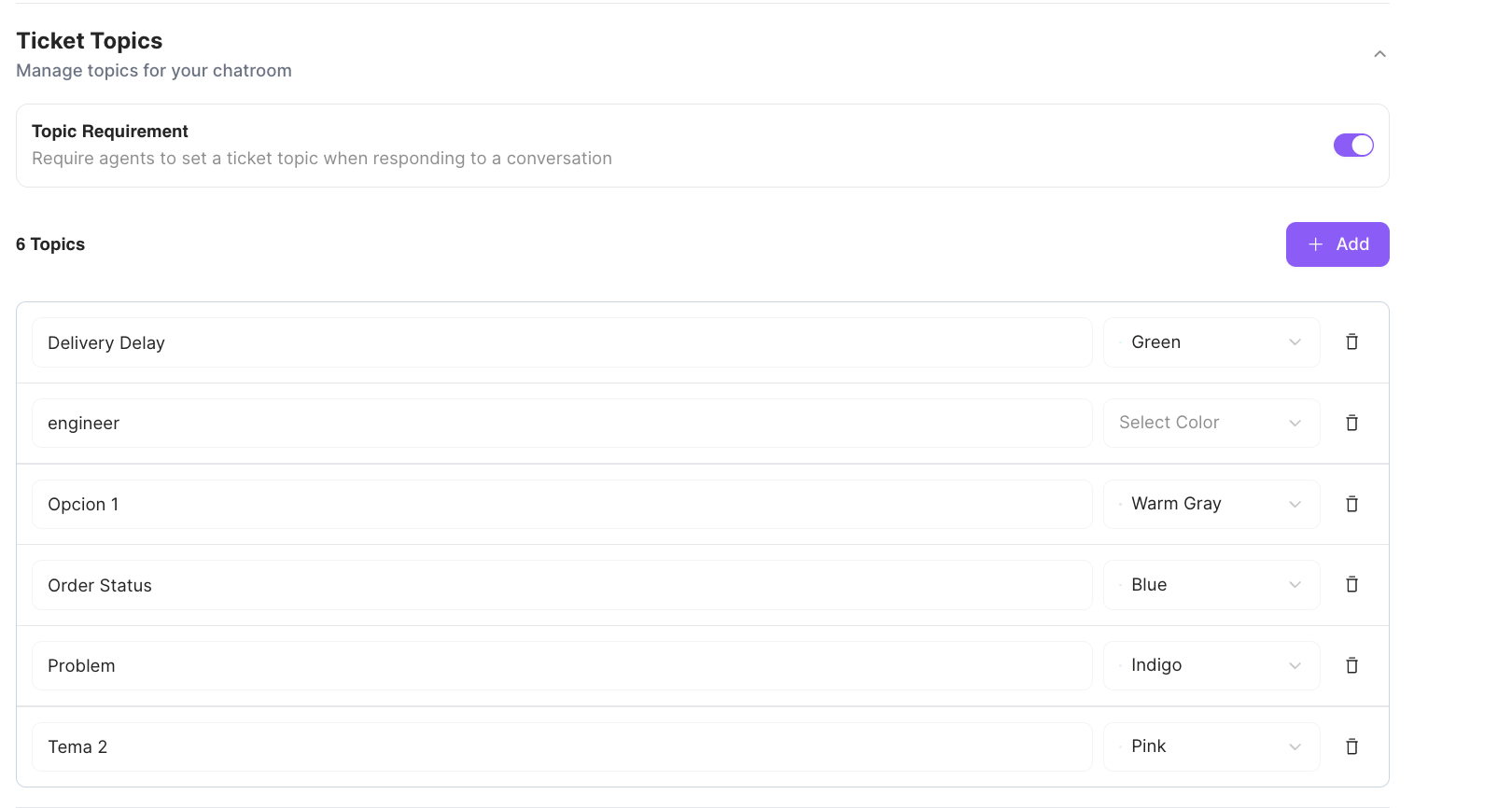
Managing topics
- Topic Requirement — turn this on to require agents to set a ticket topic when responding to a conversation.
- Add a topic with + Add, then give it a name and a color.
- Edit a topic’s name or color inline, or remove it with the trash icon.
Why they matter
Topics turn a pile of individual tickets into something you can make sense of. When every ticket is categorized, you can see what your customers are actually contacting you about — which questions come up most, which issues are growing, and where your team is spending its time. That makes it easier to prioritize, staff, and improve the parts of your product or service that generate the most tickets.Conversation Tags
Manage tags for conversationsConversation Tags are labels your team applies to conversations to organize and find them.
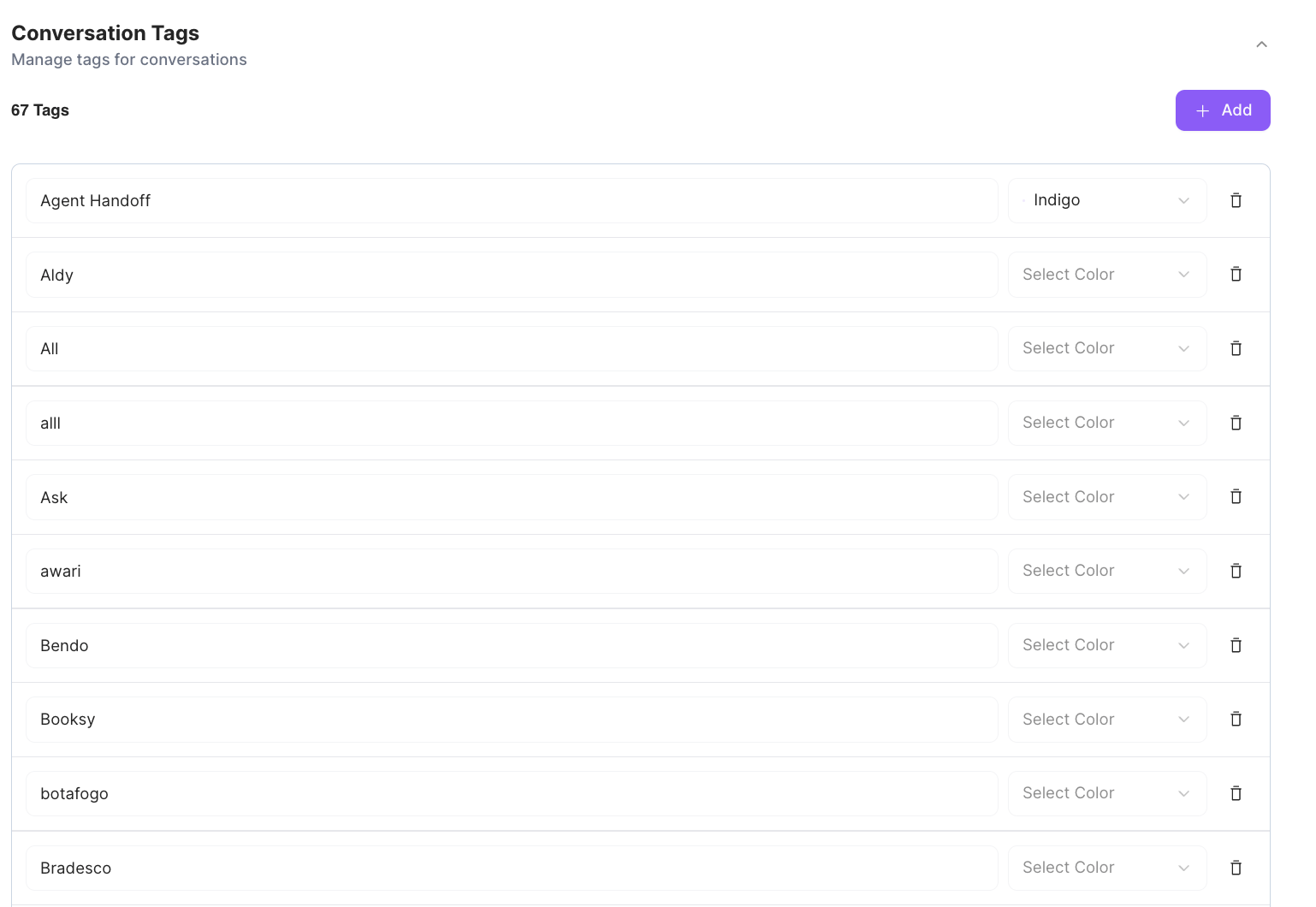
Managing tags
- Add a tag with + Add, then give it a name and a color.
- Edit a tag’s name or color inline, or remove it with the trash icon.
- Unlike ticket topics, tags have no requirement toggle — applying them is always optional.