
Views
Views are the top-level slices of your inbox. Which ones you see depends on your role.Filters
Filters narrow the current view. You can select several values in one filter (they combine as “any of”), and stack different filters together (they narrow the results).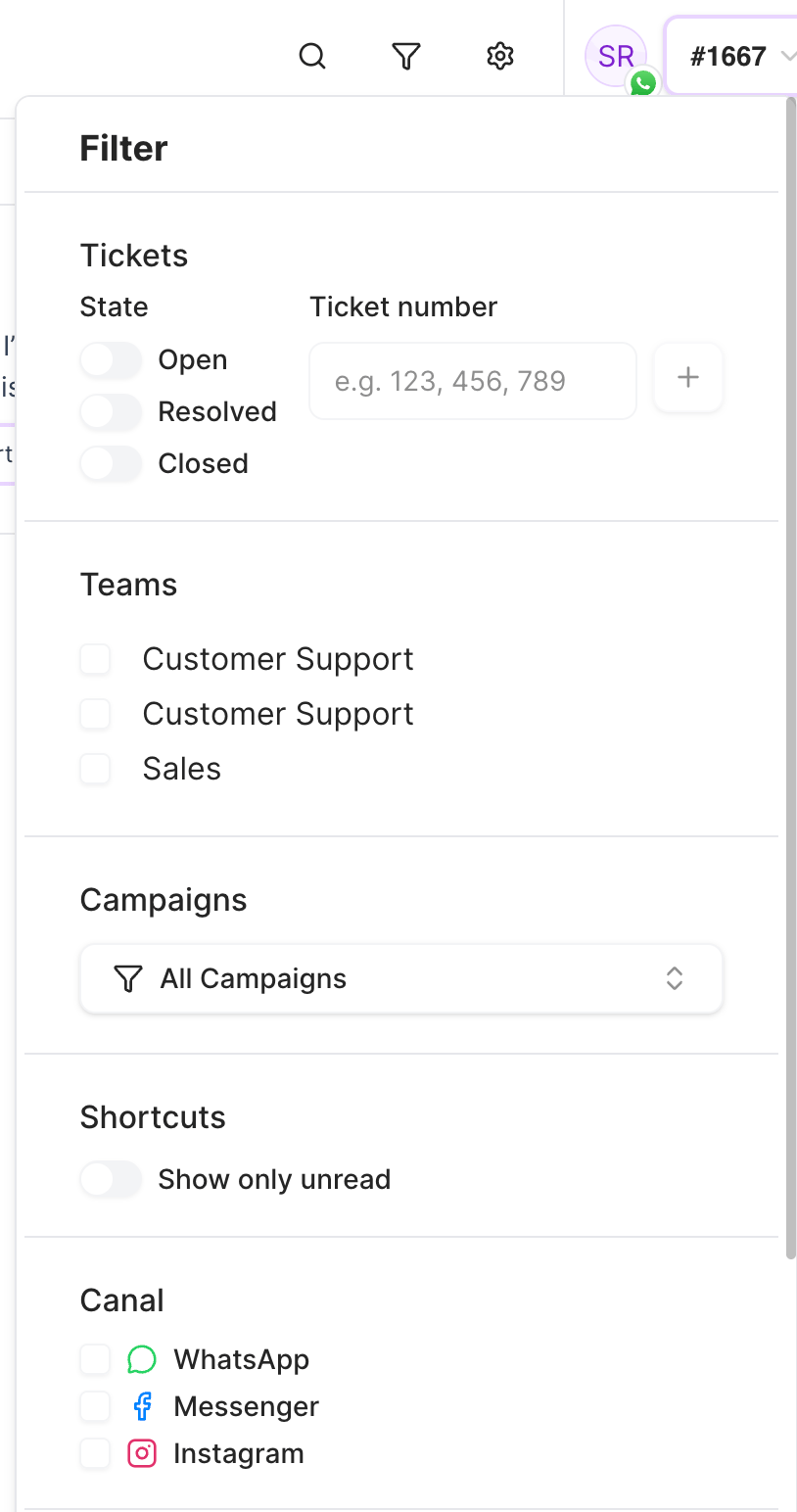
Search
Type in the search bar to look up conversations. Search matches:- Customer name
- Phone number or handle
- Campaign name — to surface the recipients of a specific campaign, including people who were sent a message but haven’t replied yet.
Search doesn’t look inside message content, and it doesn’t search by ticket number. To find a conversation by its ticket number, use the Ticket Number filter above.