Import Teams from Locations
If your store locations already exist in Connectly, Import Teams from Locations turns them into teams. Pick the locations you want, optionally create Sales and Customer Support subteams for each, and import.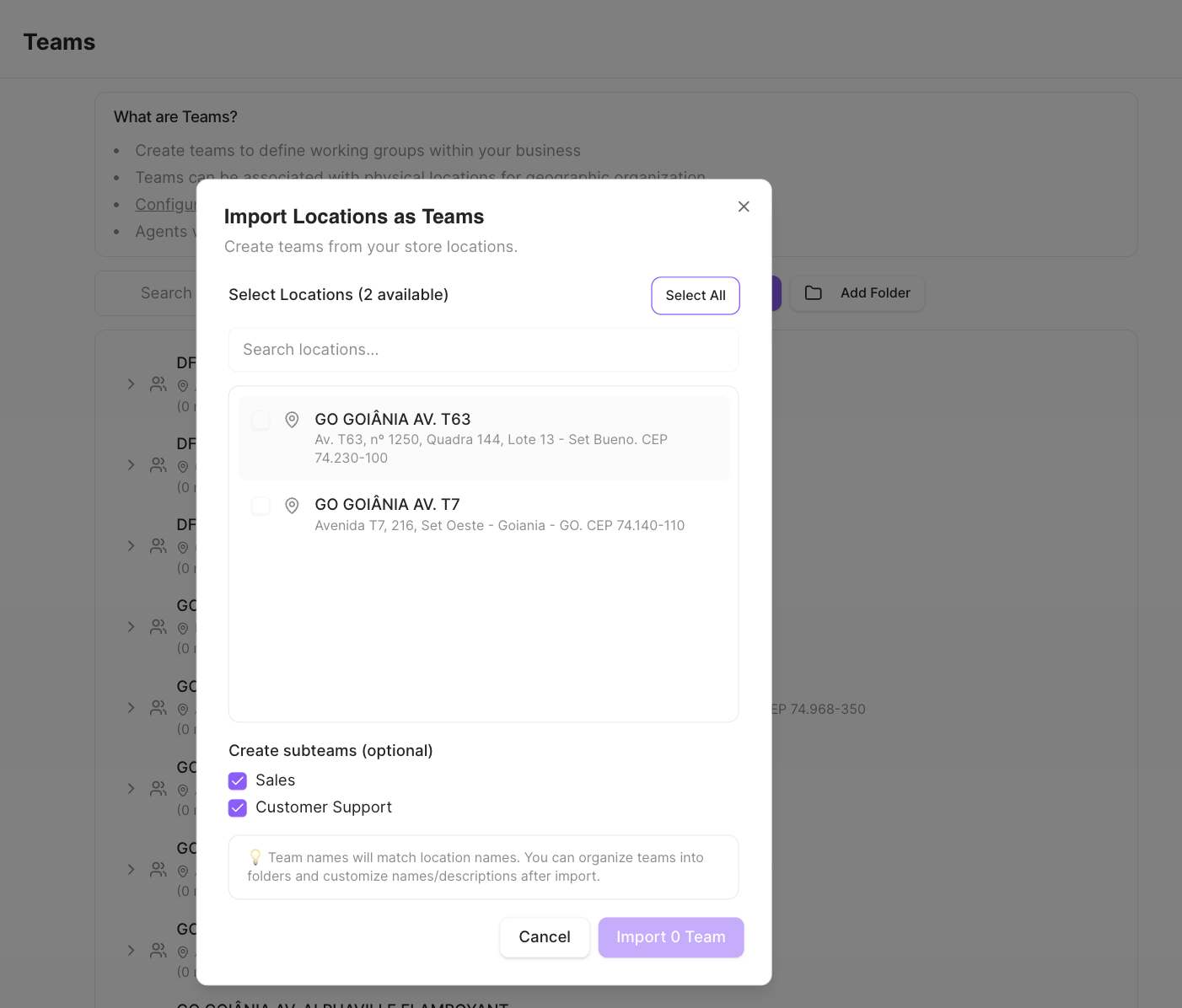
Team names match the location names. You can reorganize teams into folders and rename
them after importing.
Upload Teams with Locations
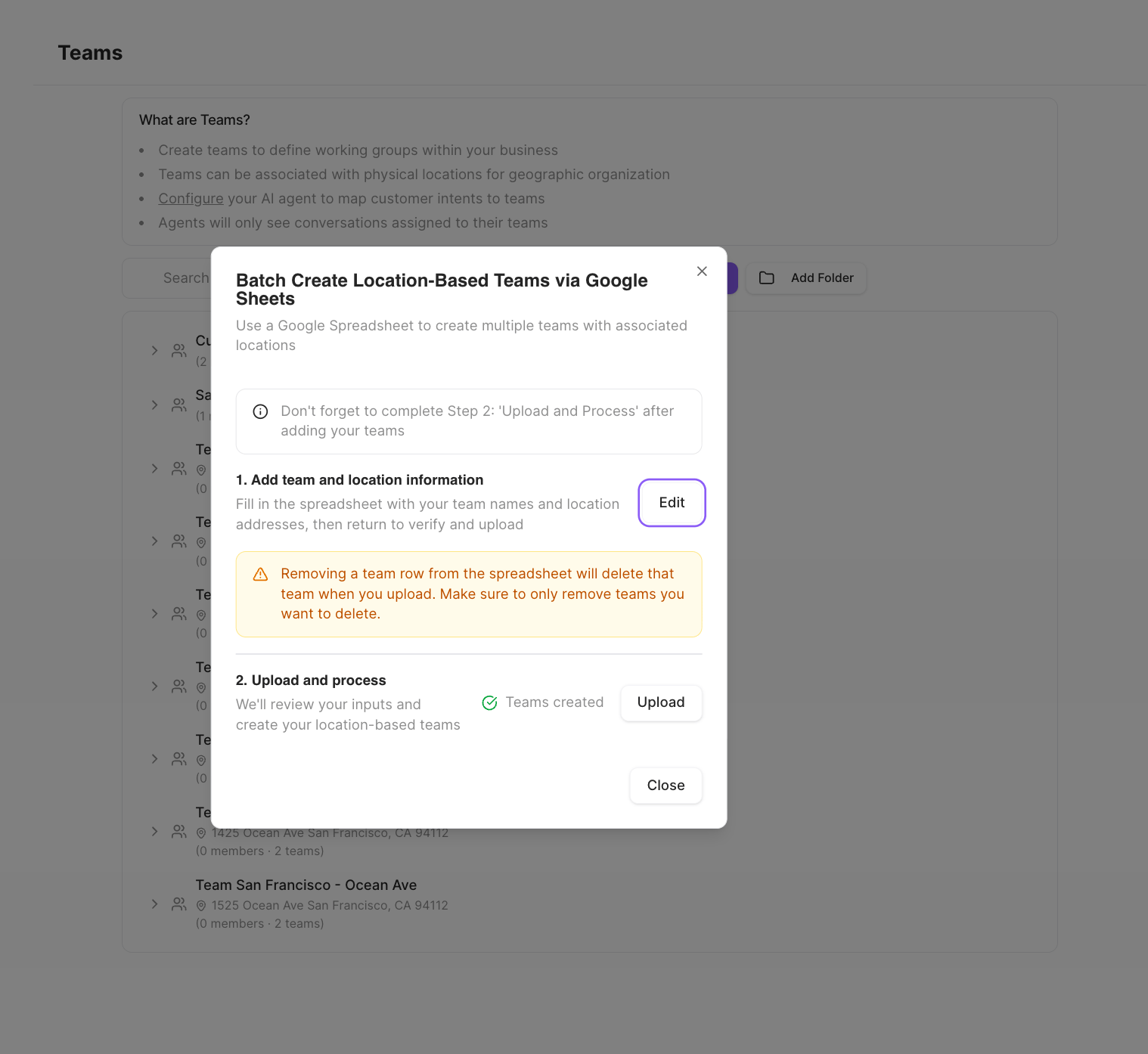
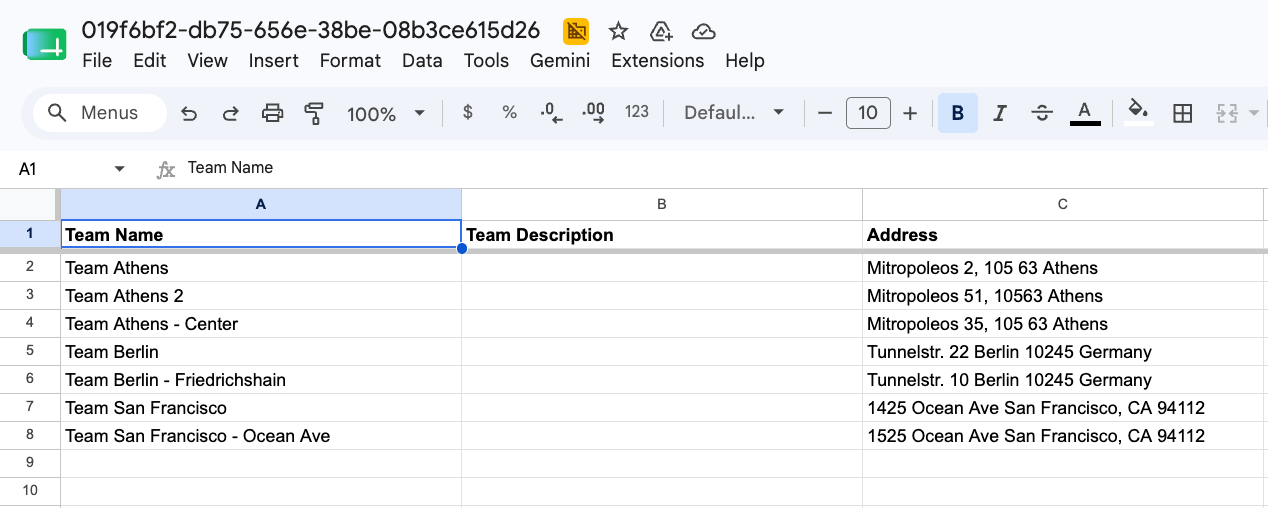
To create location-based teams from scratch, Upload Teams with Locations uses a Google Sheet. It’s a two-step flow: fill in the spreadsheet with your team names and addresses, then upload and process it.